

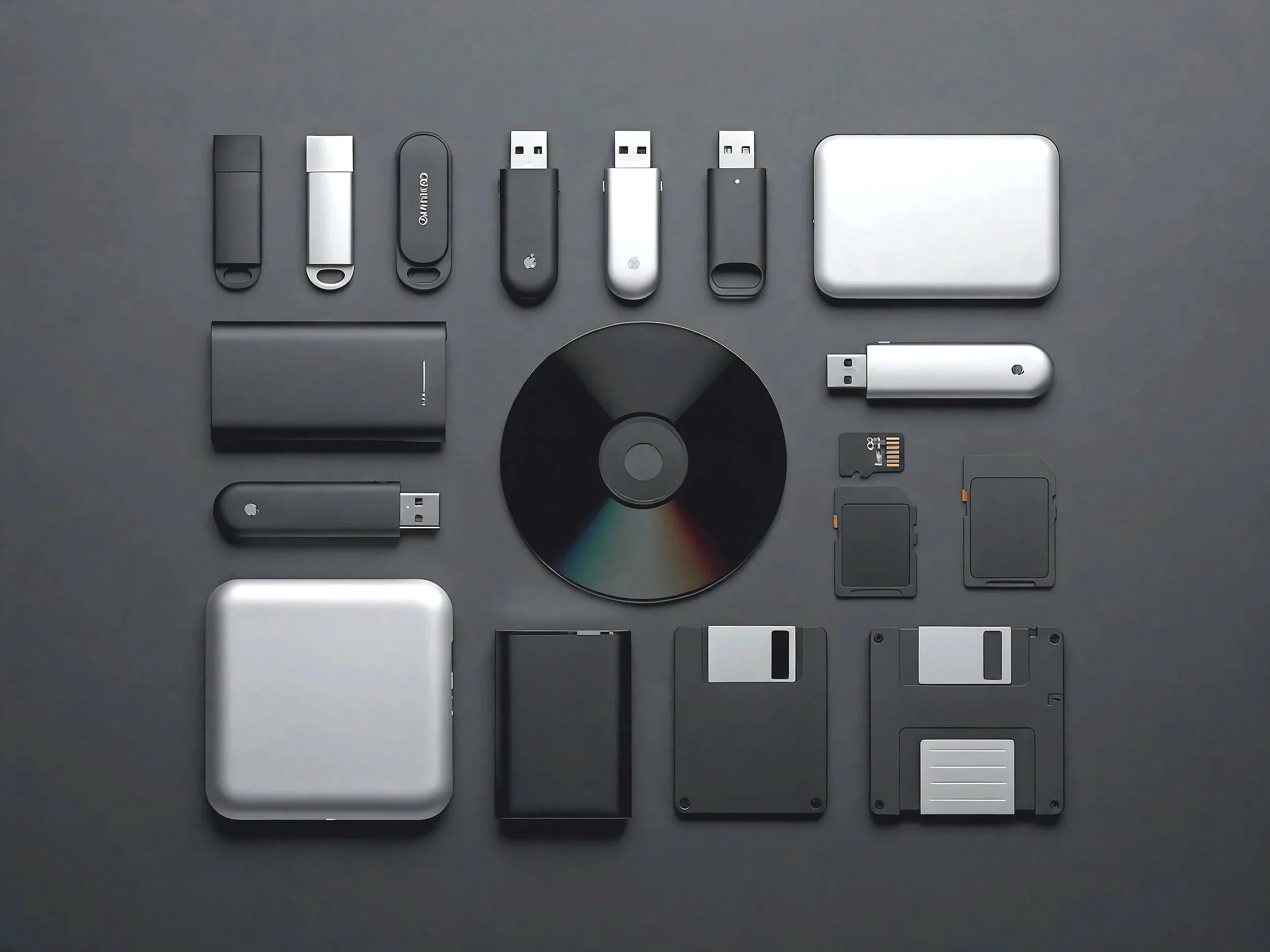
Know which drive
has your file.
Dexxer remembers what’s on your drives, so you don’t have to.
Dexxer creates searchable local indexes of external drives, folders, and archives—then find what you need, even when the original drive is unplugged.
Local. Private. No accounts. No cloud.
Available as a direct download or on the Mac App Store.macOS first • Windows support on the roadmap
Choose your Dexxer

Direct Download
$0
Try the core Dexxer
experience with one drive.
• Scan one drive or folder
• Search its saved index after the source is disconnected
• Local and private
• Upgrade to Pro anytime

Mac App Store Edition
$19.99 one-time
A streamlined, search-first
edition with no license key.
• Scan unlimited folders and drives
• Search across all saved
scans
• Find files in saved scans of disconnected sources
• Import and export saved indexes
• Updates through the Mac
App Store

Direct Download
$29 one-time
The most complete Dexxer experience for serious drive collections.
• Unlimited drives
• Advanced search filters
• Duplicate filename visibility
• Midnight Theme
• Dexxer Pro 1.x updates included
Every edition keeps its indexes local on your Mac. No Dexxer account. No cloud sync. No subscription.
Who Is Dexxer For?
Dexxer is built for anyone who manages files across multiple drives, folders, and archives—and wants an easier way to remember where everything is stored.
Here’s how people use Dexxer every day
Video Editors & Filmmakers
Locate Final Cut Pro libraries, Premiere and DaVinci project files, exports, footage folders, and archived media across indexed SSDs and backup drives—without reconnecting half your studio.
Photographers
Find RAW photo files, Lightroom catalogs, and shoot folders across indexed archive drives, including ones you haven’t connected since the last busy season.
Musicians & Audio Creators
Locate stems, mixes, session folders, and sample packs across indexed external drives—because creative organization is “optional,” right?
Designers, Animators & 3D Artists
Find texture libraries, 3D assets, design files, and client folders across indexed project drives without mounting every archive you’ve ever owned.
Developers & Technical Creators
Locate old codebases, backups, and experimental projects by file name, folder, or path—without hunting through disconnected storage like a forensic analyst.
Podcasters
Find recording sessions, episode folders, exports, and archived audio across indexed drives, even when the original source is disconnected.
Researchers & Students
Find PDF, paper, note, and document files across saved drives and folders by name, path, and location—without cloud accounts or syncing.
Everyday Mac Users
Perfect for anyone with a drawer full of USB sticks, backup drives, and at least one folder named “New Folder (3).”

Search Drives + Locally Available Cloud Files
Dexxer can index external drives and folders stored locally on your Mac, including downloaded files from iCloud Drive, Dropbox, Google Drive, OneDrive, and similar services.
If a file is available locally and you select its folder for scanning, Dexxer can include it in a saved searchable index.
Note: Dexxer does not connect to or search your cloud accounts directly. Files stored as “online-only” must be downloaded to your Mac before Dexxer can index them.
Direct Download: Dexxer Free vs Dexxer Pro
Prefer to download Dexxer directly? Start free with one drive or folder,
then upgrade to Pro when your archive grows.
Dexxer Free
$0
A simple way to try Dexxer with one selected drive or folder.
• Scan one drive or folder
• Search its saved index after the source is disconnected
• Reveal connected files in Finder
• Open files and copy file paths
• Local and private
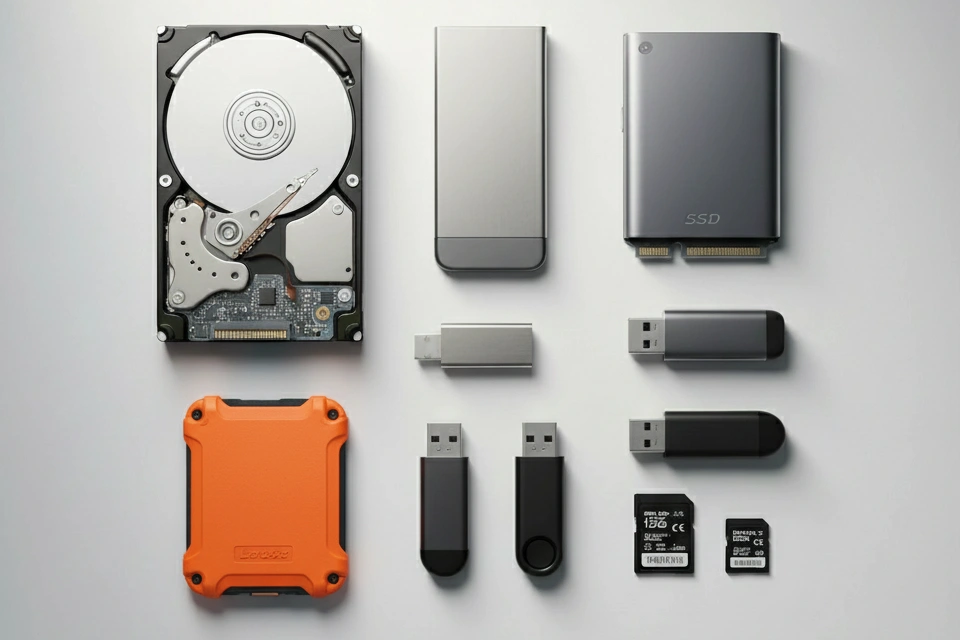
Dexxer Pro
$29 one–time
For creators, editors, archivists, and anyone who’s owned drives since dial-up.
Everything in Dexxer Free, plus:
• Scan unlimited drives and folders
• Search across all saved scans
• Advanced search filters
• Duplicate filename visibility
• Midnight Theme
• All Dexxer Pro 1.x updates included
Both direct-download editions can index storage that macOS can read, including HDDs, SSDs, USB drives, SD cards, optical discs, Zip disks, and floppy disks when the proper reader or adapter is connected.
No subscription. Future major versions, such as Dexxer Pro 2.0, may be offered as separate paid upgrades.
A Note From the Founder
I used to have so many external drives that I took screenshots just to remember what was on each one.
Yes — screenshots of folders. It was chaos. Nothing was searchable. And I kept ending up with things like “Final FINAL Backup_USE THIS ONE 2.zip” staring back at me.
Eventually I realized two things:
This was ridiculous.
No one else was going to fix it.
So, I built Dexxer—a simple, fast way to create searchable local indexes of your drives, then find what you need later, even when a drive is unplugged.
No cloud. No accounts. Just clarity.
And yes… Dexxer will even index that mystery floppy disk you haven’t touched since 2004.
Thanks for being here — I hope Dexxer saves you hours of digital detective work.
— Adam, Founder of Dexxer

FAQ — Retro Edition
What operating systems does Dexxer work on?
Dexxer runs on macOS (Apple Silicon & Intel). Windows support is on the roadmap.
How can Dexxer search a drive after it is unplugged?
Connect the drive and scan it once. Dexxer creates a local index of its file names, folder names, and paths.
After the drive is disconnected, Dexxer searches that saved index so you can see which drive contains the file you need. To open or reveal the actual file, reconnect the original drive.
Does Dexxer work offline?
Yes. Dexxer’s core scanning and saved-index searching work locally on your Mac. No ongoing internet connection or cloud service is required.
Does Dexxer update my saved scans automatically?
No. Dexxer does not monitor drives or folders in the background. If files are added, removed, renamed, or moved, reconnect the source and run a new scan to refresh its saved index.
Does Dexxer change, move, or upload my files?
No. Dexxer reads file and folder information to create a searchable local index. It does not move, rename, delete, modify, or upload your files.
Your files remain where they are, and your saved Dexxer indexes stay local on your Mac unless you choose to export them.
Can Dexxer really scan old drives like Zip disks, DVDs, and floppies?
If your Mac can read it, Dexxer can index it.
(You’ll just need the right adapter/reader for older media. Naw duh, right?)
Does Dexxer search inside PDFs and documents?
Not currently. Dexxer searches saved file and folder information, including file names, folder names, paths, drive names, and saved scan names. Dexxer does not currently open files to index text inside PDFs or other documents, and it does not yet search rich embedded metadata such as image EXIF data or media tags. Full-text and deeper metadata indexing are being considered for a future Dexxer Pro update.
How fast is Dexxer?
Dexxer isn’t a magician (sorta) – it depends on the tech. SSDs do index quickly. Larger and slower HDDs take longer, but while you are working you can see the scan status and see your catalog grow. We are actively optimizing Dexxer to make indexing feel as smooth as possible.
Will I lose my scans if I reinstall the app?
Your indexes are stored locally on your Mac. Reinstalling usually won’t affect them—unless Dexxer’s local data is removed. (You can also export/import indexes for backup.)
What’s the difference between Dexxer Free, the Mac App Store edition, and Dexxer Pro?
Dexxer Free is a direct download that lets you scan and search one drive or folder.
The Mac App Store edition is a streamlined $19.99 version with unlimited selected folders and drives, search across saved scans, index import and export, and updates through the Mac App Store.
Dexxer Pro is the most complete direct-download edition. It includes unlimited drives, advanced search filters, duplicate filename visibility, the Midnight Theme, and all Dexxer Pro 1.x updates.
Is this a subscription?
No. Every Dexxer edition is subscription-free. Dexxer Free is free, the Mac App Store edition is a one-time $19.99 purchase, and Dexxer Pro is a one-time $29 direct purchase. Future major Pro versions may require a separate paid upgrade, but all Dexxer Pro 1.x updates are included.
Can Dexxer Pro be installed on multiple Macs?
Yes—use it on the Macs you personally use. One license is for one person and can be used on up to 3 devices.
What happens if I unplug a drive mid-scan?
The scan will stop because the source is no longer available. Reconnect the drive and run the scan again when you’re ready. Previously completed saved scans will remain available.
Need Help or Have a Question?
Questions, feedback, or something not working the way you expected?
Dexxer Support has troubleshooting help, common answers, and a direct way to reach us.
We’re happy to help.