

Find Any File.
On Any Drive.
Instantly.
Local. Private. Lightning fast.
Dexxer indexes your drives for lightning-fast search — even when they’re unplugged.
Your files stay local, private, and fully on your Mac.
Offline • No account • Free indexes 1 drive
macOS first — Windows later.
Who Is Dexxer For?
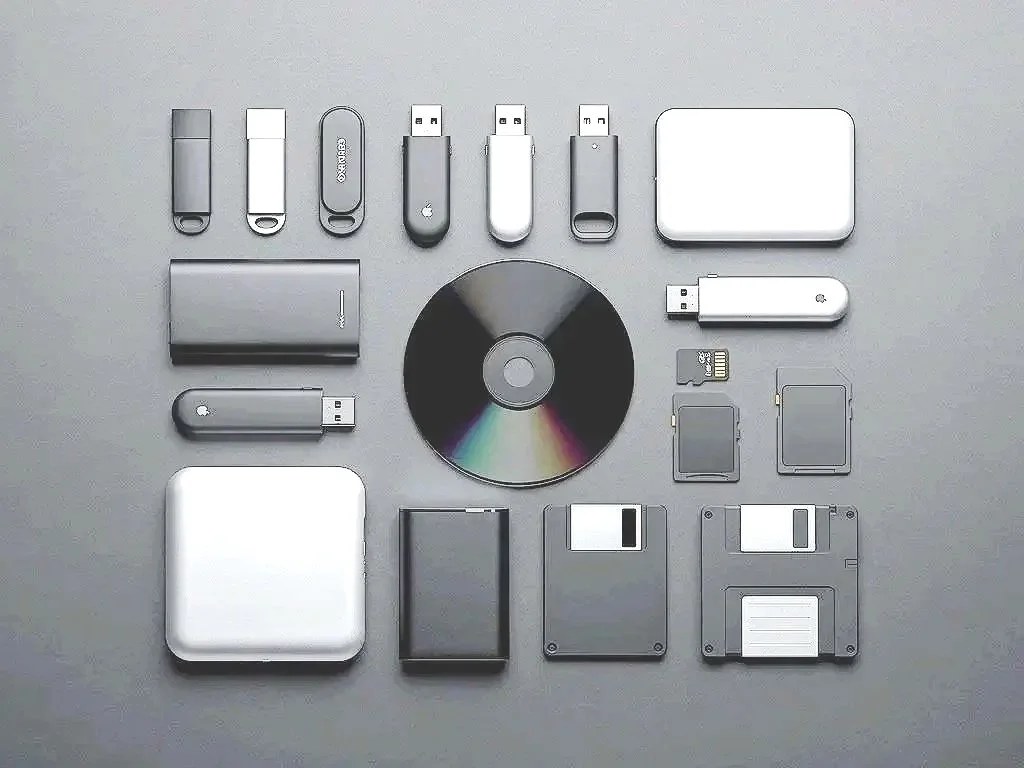
If you work with big files or big projects, you probably have a stack of drives somewhere. Dexxer keeps it all searchable—even when the drives aren’t plugged in.
Video Editors & Filmmakers
Search Final Cut Pro, Premiere, and DaVinci projects across every SSD or archive drive — without plugging in half your studio to find one timeline file.
Photographers
Track down RAW photos, Lightroom catalogs, and shoot folders stored on drives you haven’t touched since the last busy season.
Musicians & Audio Creators
Find stems, mixes, and sample packs scattered across external drives — because creative organization is “optional,” right?
Designers, Animators & 3D Artists
Search massive texture libraries, 3D assets, and client folders in seconds — without mounting every project drive you’ve ever owned.
Developers & Technical Creators
Navigate old codebases, backups, and experimental projects without hunting through disconnected storage like a forensic analyst.
Podcasters
Quickly locate sessions, recordings, and archived episodes — even when your audio drives aren’t plugged in.
Researchers & Students
Search years of PDFs, papers, notes, and documents from one place — no cloud accounts or syncing required.
Everyday Mac Users
Perfect for anyone with a drawer full of USB sticks, backup drives, and at least one folder named “New Folder (3).”
Here’s how people use Dexxer every day:
Dexxer Free vs Dexxer Pro
See what’s included in Dexxer Free and what you unlock when you upgrade to Pro inside the app.
Dexxer Free
Perfect for single-drive users and first-time Dexxer explorers.
Scan 1 drive — internal or external
Lightning-fast local search
Search unplugged drives — once indexed
Offline & private — your data stays on your Mac
Reveal in Finder
Open files
Copy file paths
Simple, clean interface

Dexxer Pro
For creators, editors, archivists, and anyone who’s owned drives since dial-up.
Everything in Dexxer Free, plus:
Unlimited drives — internal + external
One-time purchase — lifetime license
Lightning-fast indexing engine
Advanced search filters
Duplicate Finder
Midnight Theme — Pro exclusive
Priority updates
Legacy media support — HDD, SSD, USB, SD / microSD, Zip, Floppy, CD / DVD
Founders Launch Price
All Dexxer Pro 1.x updates included at no extra cost.
Future major versions (2.0, 3.0, etc.) may require a paid upgrade.
Early supporters lock in the best price.
Offline • No account • One download • You keep your files
Download Dexxer
Start with Dexxer Free. Upgrade to Pro anytime inside the app.
One download. Pro unlocks with a license key.

1 Drive
Basic Indexing
Standard Search
macOS only — Windows coming soon.

Unlimited Drives
Advanced Search
Duplicate Finder
Midnight Theme
Lifetime License
Founders Launch Price
A Note From the Founder
I used to have so many external drives that I took screenshots just to remember what was on each one.
Yes — screenshots of folders. It was chaos. It wasn’t searchable. And I kept ending up with things like “Final FINAL Backup_Use This One 2.zip” staring back at me.
At some point I realized two things:
This was ridiculous.
No one else was going to fix it.
So I built Dexxer — a simple, fast way to scan every drive you own and instantly search across all of them. No cloud. No accounts. Just clarity.
And yes… Dexxer will even index that mystery floppy disk you haven’t touched since 2004.
Thanks for being here — I hope Dexxer saves you hours of digital detective work.
— Adam, Creator of Dexxer
FAQ — Retro Edition
1. What operating systems does Dexxer work on?
Right now: macOS.
Windows is coming soon.
2. Does Dexxer work offline?
Yes. Dexxer runs offline and keeps everything on your Mac—no cloud required.
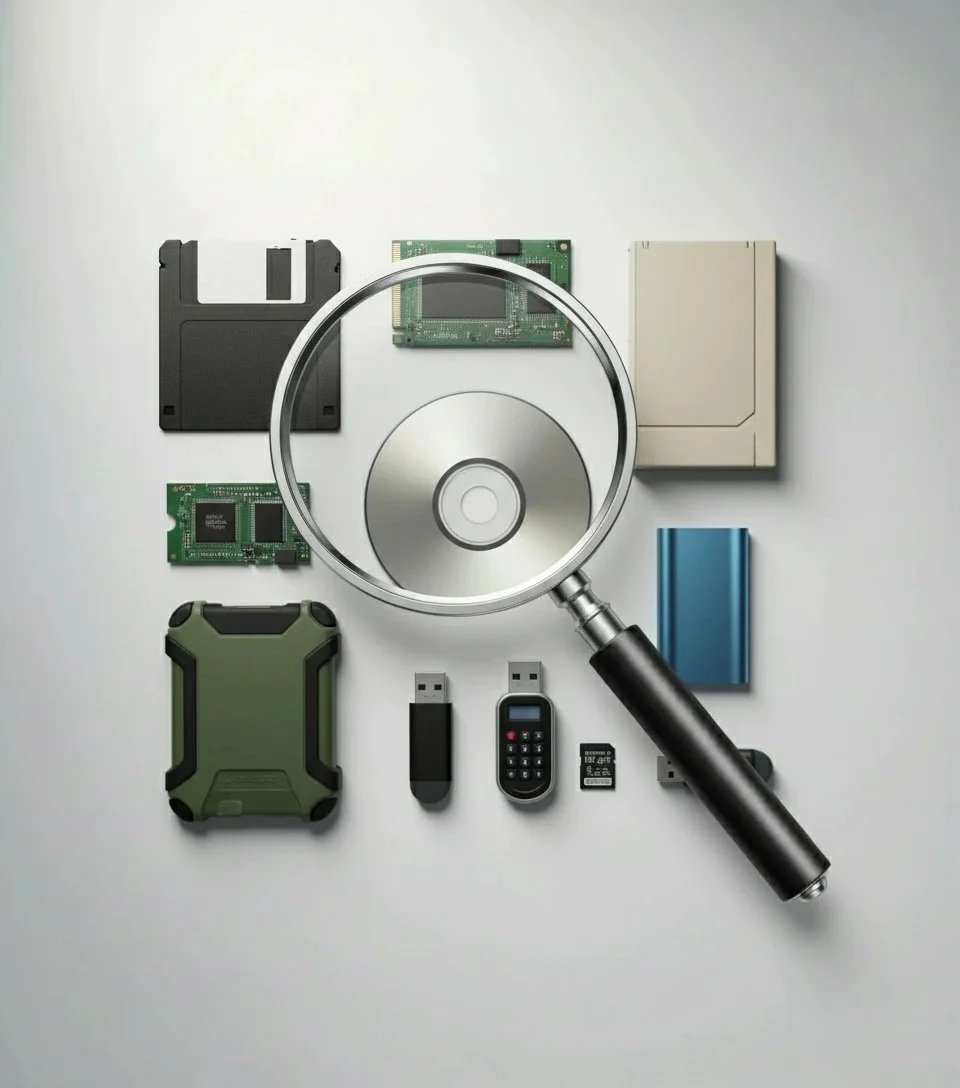
3. Can Dexxer really scan old drives like Zip disks, DVDs, and floppies?
If your Mac can read it, Dexxer can index it.
(You’ll need the right adapter/reader for older media.)
4. Will I lose my scans if I reinstall the app?
Your indexes are stored locally on your Mac. Reinstalling usually won’t affect them—unless Dexxer’s local data is removed. (You can also export/import indexes for backup.)
5. What’s the difference between Dexxer Free and Dexxer Pro?
Free: Scan 1 drive (internal or external).
Pro: scan unlimited drives, advanced search tools, Midnight Theme, and more Pro upgrades over time.
6. Is this a subscription?
No. Dexxer Pro is a one-time purchase ($29).
7. Does Dexxer upload any of my files anywhere?
No. No uploads, no cloud sync, no “surprise” syncing. Your files stay on your Mac.
8. Can I use Dexxer on multiple Macs?
Yes—use it on the Macs you personally use. One license is for one person.
9. What happens if I unplug a drive mid-scan?
Dexxer will pause/stop the scan safely. Plug it back in and run the scan again when you’re ready. Dexxer won’t explode.
10. What if I need help?
Send a message and we’ll help you get sorted.
Need Help or Have a Question?
If Dexxer starts acting up, just message me.
I used to take screenshots of my drives… I can handle anything.